
If you encounter a technical issue while using the Bybit EU App, our support team may request that you send your App Log to help us investigate the issue more effectively.
Follow the steps below to submit your App Log directly from the Bybit EU mobile app.
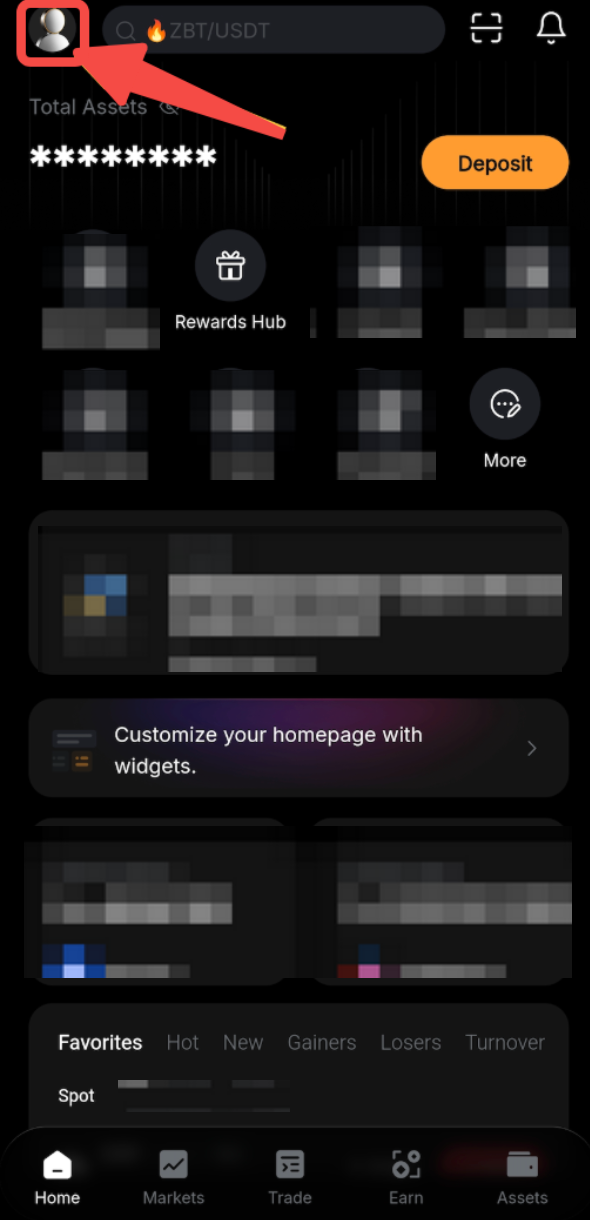
Step 1: Tap on your Profile Picture icon located in the top-left corner of the Bybit EU app homepage.
Step 2: Scroll down the menu and select About Us.
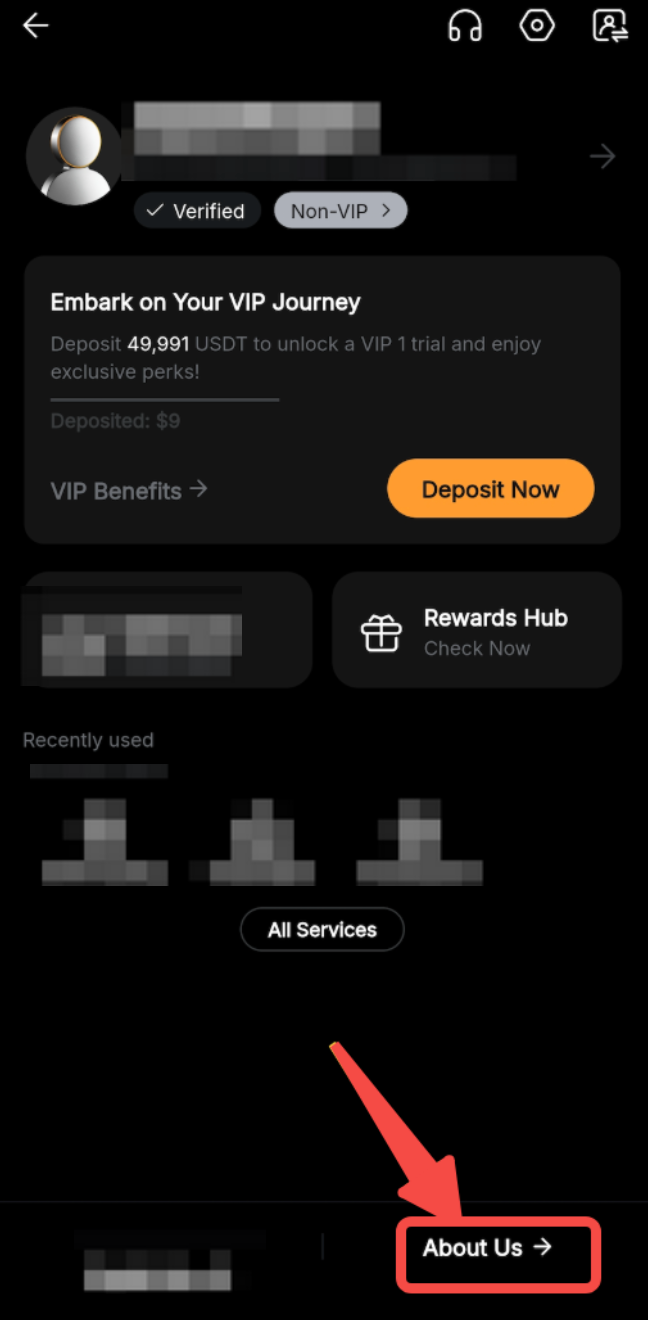
This section contains technical and version details of your app.
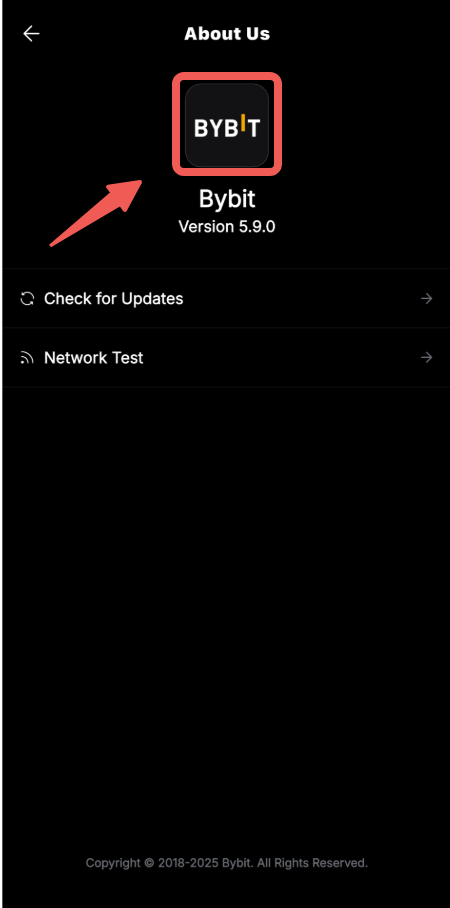
Step 3: On the About Us page, double-tap the Bybit EU logo near the top of the screen. This will open a hidden “Send Log” option at the bottom of the page.
Step 4: Next, tap Send Log.
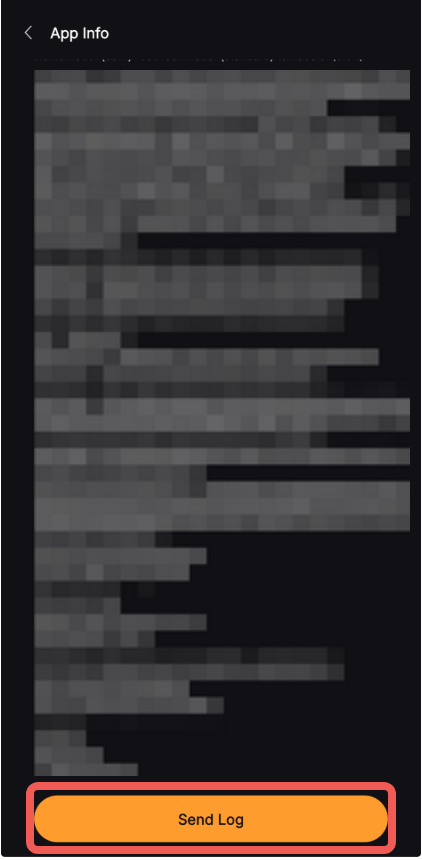
The app will automatically compile and send the relevant diagnostic data to our technical team.
Additional Tips:
– Please ensure your internet connection is stable before sending the log.
– Do not close the app until the upload is complete.