Disclaimer:
This feature is currently not available to Austrian nationals, residents, or tax residents. To modify your tax residence status, please visit here.
One-Click Buy allows users to buy and sell crypto using fiat currencies through any of our supported payment methods: Bank Card Payment or Fiat Balance.
Please note that the payment methods displayed on the order page will vary depending on the coin and fiat currency you’ve selected. Please find below the list of currently supported fiat currencies for each payment method.
The following guide presents detailed steps on how to buy crypto currencies using fiat currencies.
Step 1: Click on Buy Crypto → One-Click Buy on the top left corner of the navigation bar to enter the One-Click Buy page.
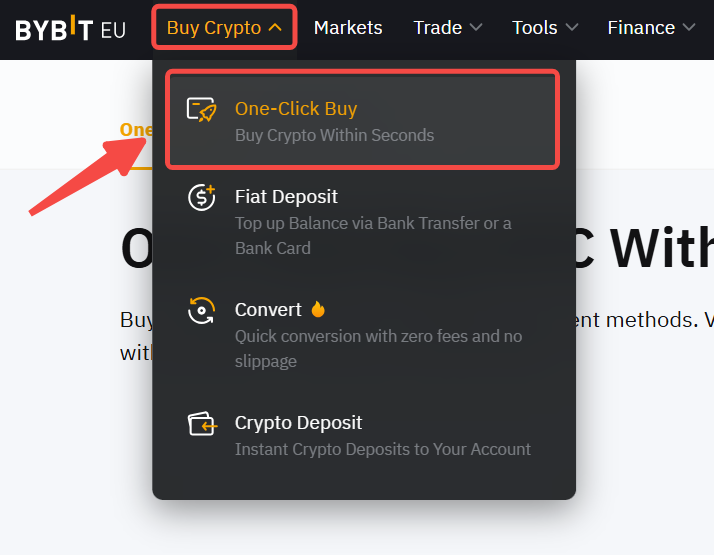
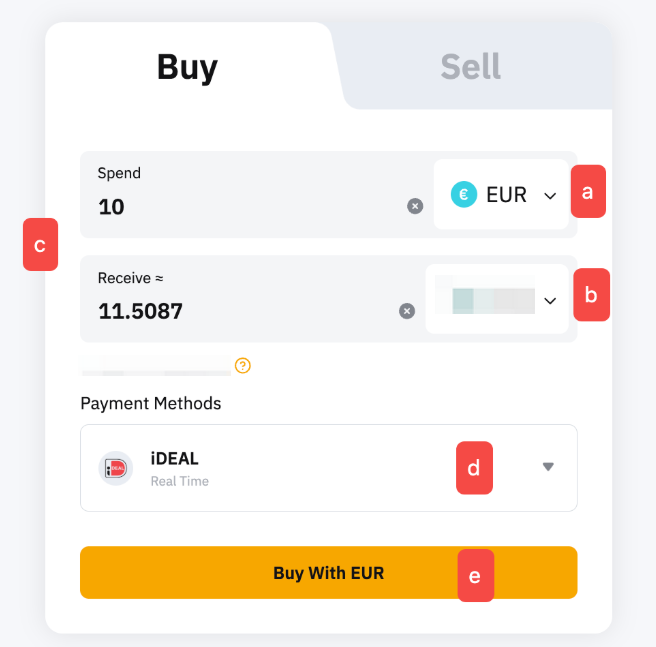
Step 2: Place an order by following these steps:
- Select the fiat currency that you want to pay with.
- Select the coin you would like to receive.
- Enter the purchase amount. You can enter the transaction amount based on fiat currency or coin, according to your needs.
- Select preferred Payment Method.
- Click on Buy with Fiat
Step 3: Choose the deposit account and check the payment details carefully before confirming your order.
Depending on the deposit method and whether it’s your first time using this payment method, you may be required to open an account or be redirected to another deposit platform to complete account linking. If you have created or linked to an account previously, please proceed to Step 4.
Payment Method 1: Linking a BLIK account.
To make your initial deposit, you may need to create and link your BLIK account by entering your BLIK code and confirming it in the BLIK App.
Payment Method 2: Redirection to other platforms (such as Zen.com, iDEAL and PayPal).
Check the payment details carefully and confirm the account you want to credit (Funding Account or UTA Account) before confirming your order. Then, tap on Pay with Channel. You will be redirected to link your account with the payment platform.
For security reasons, only your own payment account can be used. Using someone else’s account may result in a failed transaction.
Step 4: Once you have successfully added/chosen your payment method, click on Confirm to proceed.
Step 5: Confirm your deposit before entering your security code. Once confirmed, please click on Pay.
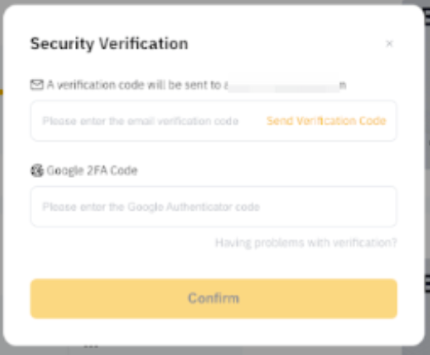
Some payment methods have set specific requirements in order for the transaction to be completed successfully. Please consult the table below to ensure your transaction is processed correctly.
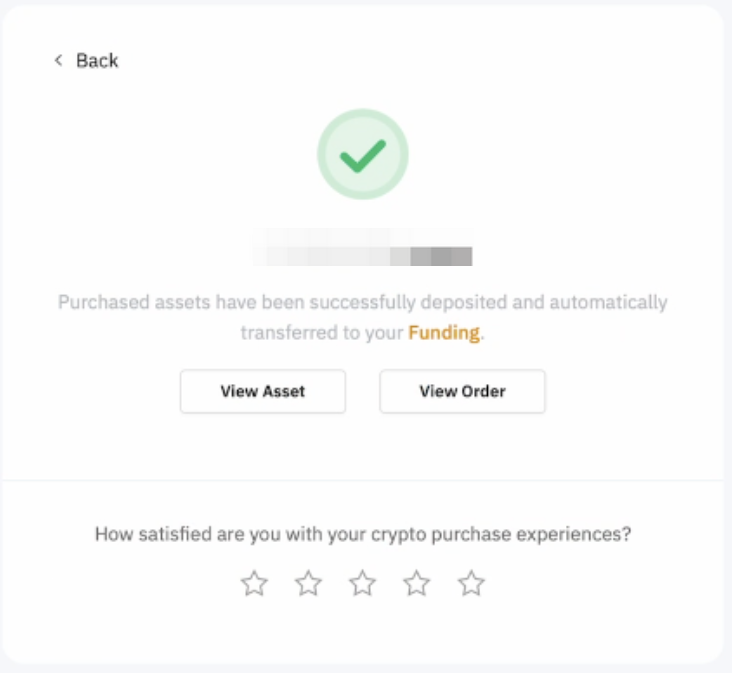
Step 6: You will receive a notification on your deposit status. If successful, the assets will be credited to your selected account within 15 minutes (depending on the payment methods). If not, the notification will indicate the failure reason and you will be advised to try again later.
If you have made the payment but did not receive the asset in your Bybit EU account after 2 working days, kindly submit your request here with the Order ID and payment receipt.
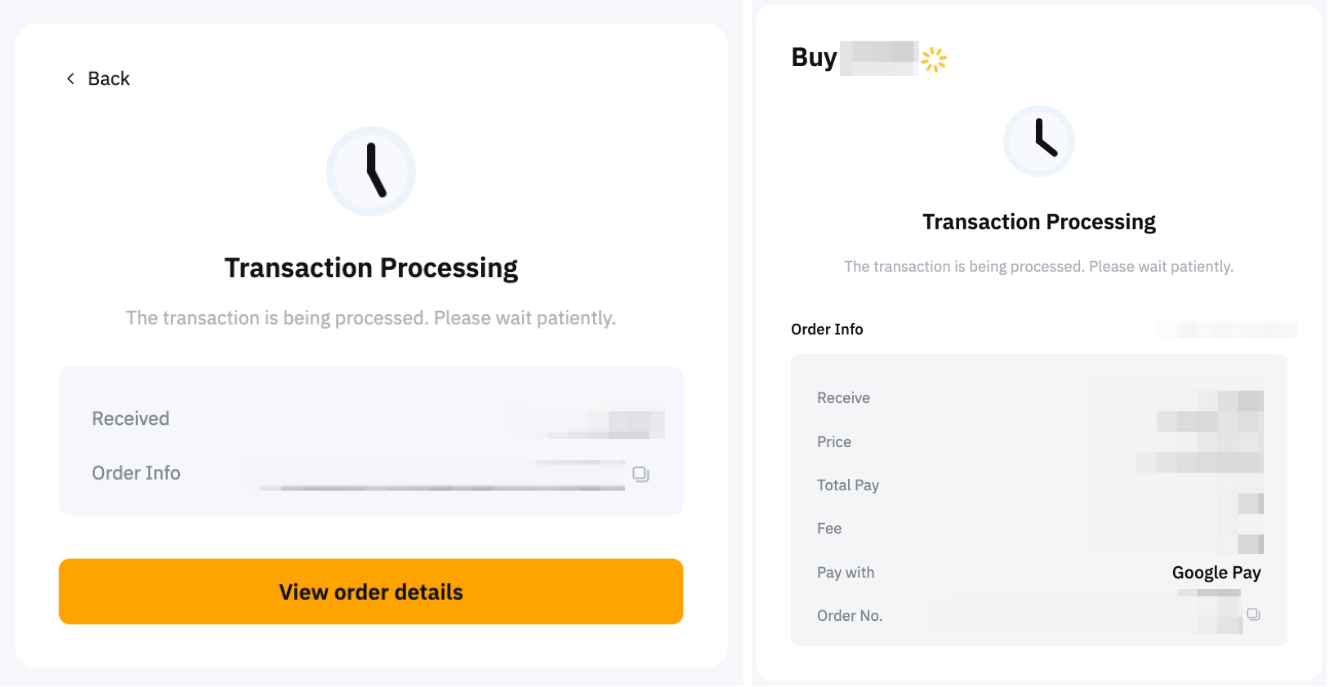
You can track your deposit on the One-Click Buy order page by clicking on the history icon on the One-Click Buy page.