Disclaimer:
Deze functie is momenteel niet beschikbaar voor Oostenrijkse staatsburgers, ingezetenen of belastingplichtigen. Ga hier naar om uw fiscale verblijfsstatus te wijzigen.
Met One-Click Buy kunnen gebruikers crypto kopen en verkopen met behulp van fiduciaire valuta's via een van de ondersteunde betaalmethoden: Bankpasbetaling of Fiatsaldo.
Houd er rekening mee dat de betaalmethoden die op de bestelpagina worden weergegeven, variëren afhankelijk van de munt en fiduciaire valuta die je hebt geselecteerd. Hieronder vindt u de lijst met momenteel ondersteunde fiduciaire valuta's voor elke betaalmethode.
In de volgende handleiding worden gedetailleerde stappen beschreven voor het kopen van cryptovaluta's met behulp van fiduciaire valuta's.
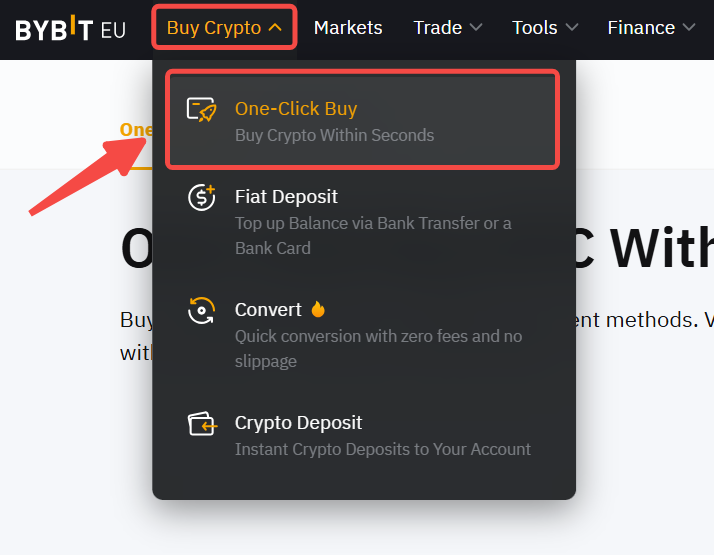
Stap 1: Klik op Crypto kopen → Kopen met één klik in de linkerbovenhoek van de navigatiebalk om de pagina Kopen met één klik te openen.
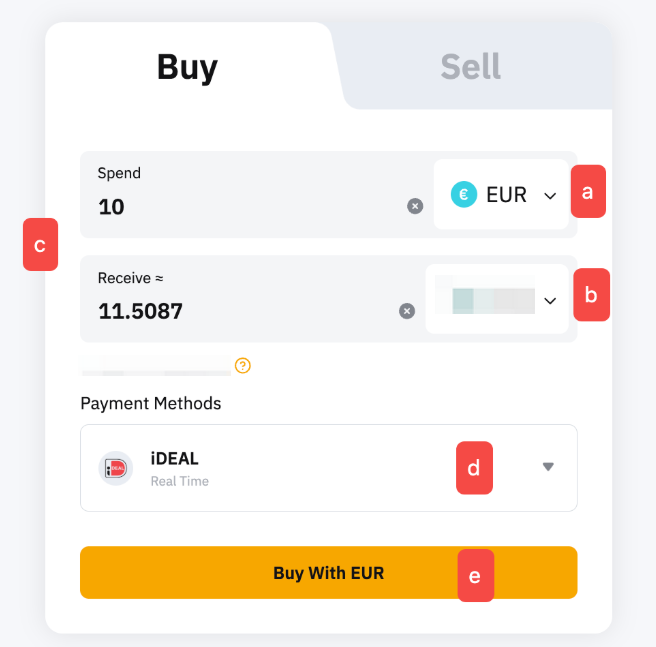
Stap 2: Plaats een bestelling door deze stappen te volgen:
- Selecteer de fiduciaire valuta waarmee u wilt betalen.
- Selecteer de munt die u wilt ontvangen.
- Voer het aankoopbedrag in. U kunt het transactiebedrag invoeren op basis van fiduciaire valuta of munt, afhankelijk van uw behoeften.
- Selecteer de gewenste betaalmethode.
- Klik op Kopen met Fiat
Stap 3: Kies de depositorekening en controleer de betalingsgegevens zorgvuldig voordat je je bestelling bevestigt.
Afhankelijk van de stortingsmethode en of het de eerste keer is dat u deze betaalmethode gebruikt, kan het zijn dat u een rekening moet openen of wordt doorgestuurd naar een ander stortingsplatform om de koppeling met de rekening te voltooien. Als u eerder een account hebt aangemaakt of gekoppeld, ga dan verder met stap 4.
Betaalmethode 1:Een BLIK-account koppelen.
Om uw initiële storting te doen, moet u mogelijk uw BLIK-account aanmaken en koppelen door uw BLIK-code in te voeren en deze te bevestigen in de BLIK-app.
Betaalmethode 2: Doorverwijzing naar andere platforms (zoals Zen.com, iDEAL en PayPal).
Controleer de betalingsgegevens zorgvuldig en bevestig het account waarop u wilt bijschrijven (Financieringsaccount of Gecombineerde handelsaccount) voordat u uw order bevestigt. Tik vervolgens op Pay With Channel. U wordt doorverwezen om uw account aan het betaalplatform te koppelen.
Om veiligheidsredenen kan alleen uw eigen betaalrekening worden gebruikt. Het gebruik van de rekening van iemand anders kan leiden tot een mislukte transactie.
Stap 4: Zodra u uw betaalmethode hebt toegevoegd/gekozen, klikt u op Bevestigen om door te gaan.
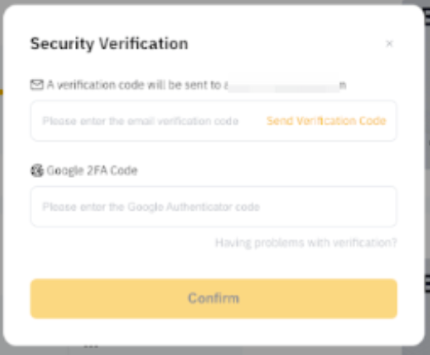
Stap 5: Bevestig uw storting voordat u uw beveiligingscode invoert. Klik na bevestiging op Betalen.
Sommige betaalmethoden hebben specifieke vereisten ingesteld om de transactie met succes te voltooien. Raadpleeg de onderstaande tabel om ervoor te zorgen dat uw transactie correct wordt verwerkt.
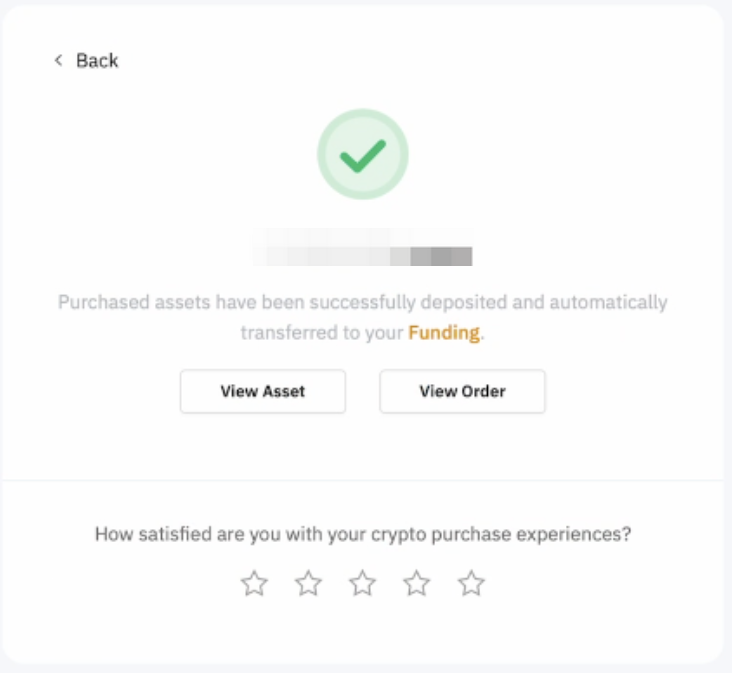
Stap 6: U ontvangt een melding over uw stortingsstatus. Als dit lukt, worden de activa binnen 15 minuten (afhankelijk van de betaalmethoden) op uw geselecteerde rekening bijgeschreven. Zo niet, dan geeft de melding de reden van de storing aan en wordt u geadviseerd om het later opnieuw te proberen.
Als u de betaling hebt gedaan maar het activum niet binnen 2 werkdagen op uw Bybit EU-rekening hebt ontvangen, dien dan hier uw verzoek in met het Bestelnummer en betalingsbewijs.
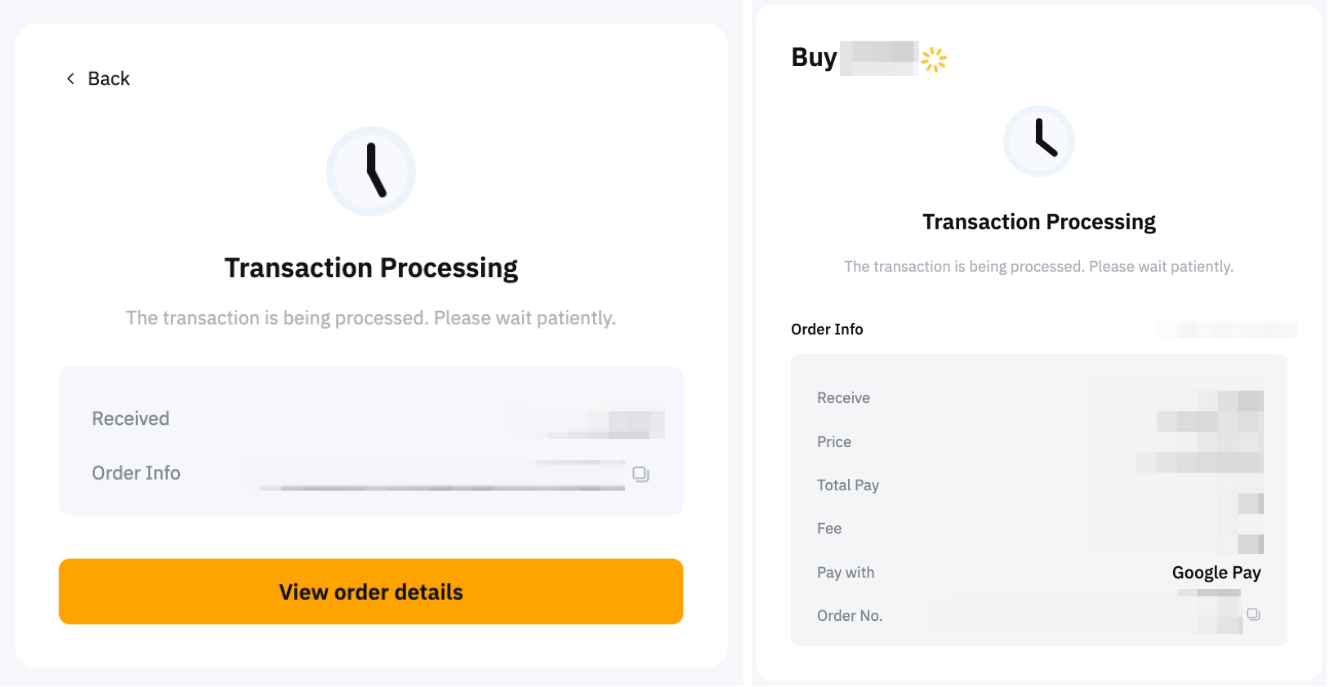
Je kunt je storting volgen op de pagina Koop bestelling met één klik door op het geschiedenispictogram op de kooppagina met één klik te klikken.